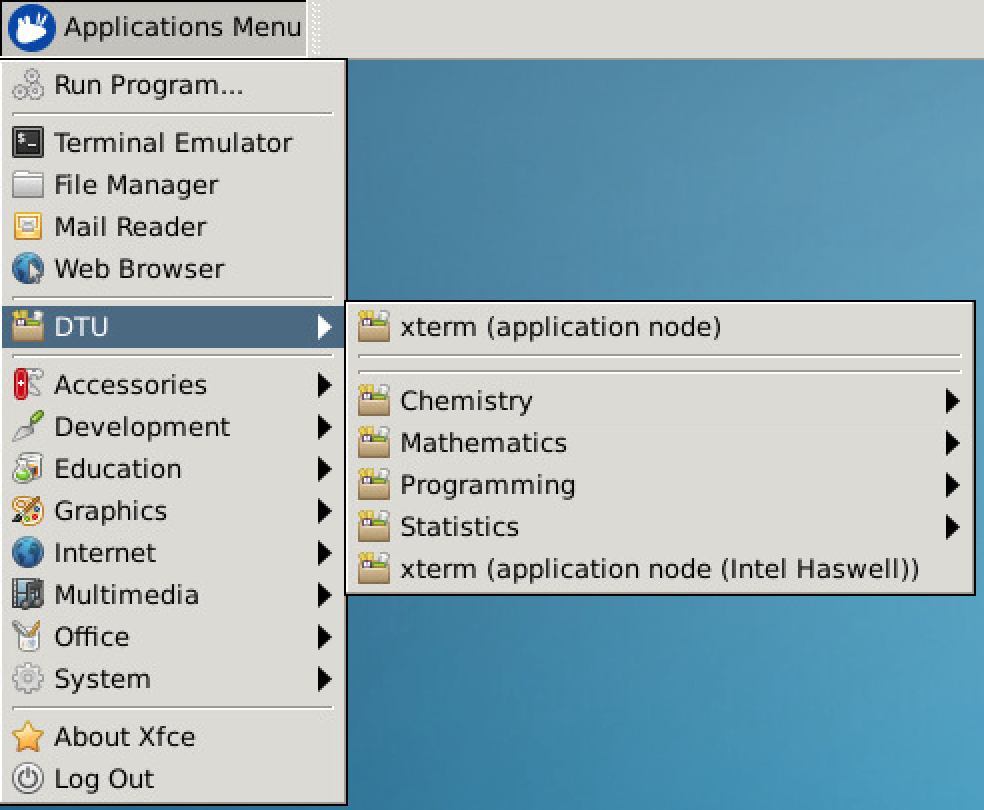
The G-Bar menu contains a categorized list of some of the applications installed. An application started from this menu will automatically detect which server has the lowest load average and start the program there.
Using the menu
The G-Bar works by running the window manager on one server, and all other programs on a set of dedicated servers. Whenever a program is launched through the menu, a wrapper script will launch it on one of the HPC application servers. This way all programs launched through the menu will always be running on a server allocated by the scheduling system, selecting the resources with the lowest load.
Xfce
The Desktop environment is Xfce, a lightweight desktop environment. There is the possibility of some personalization, and it have most of the tools you may likely need. Just remember that ThinLinc is just the interface to cluster, so most of the heavy duty processing is supposed to be done on the cluster node, with no desktop interface anyway.